

Upload files
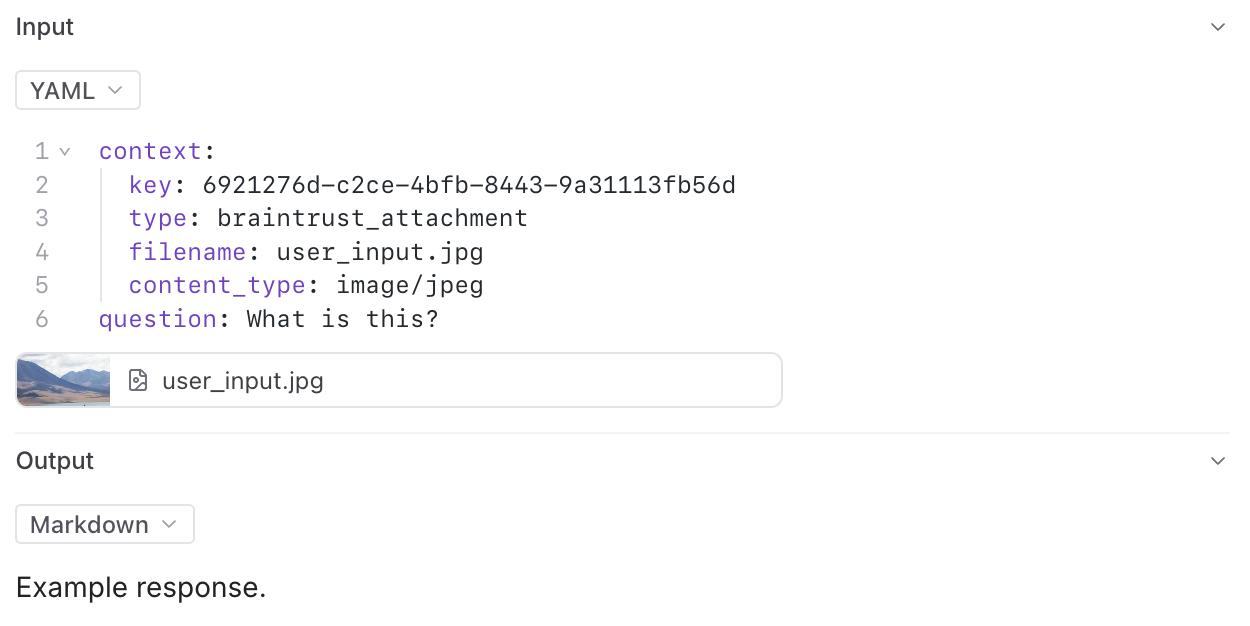
In addition to text and structured data, Braintrust supports uploading file attachments (blobs). This is especially useful when working with multimodal models, which can require logging large image, audio, or video files. You can also use attachments to log other unstructured data related to your LLM usage, such as a user-provided PDF file that your application later transforms into an LLM input. To upload an attachment, create a newAttachment object to represent the file on disk or binary data in memory to be uploaded. You can place Attachment objects anywhere in the event to be logged, including in arrays/lists or deeply nested in objects. See the TypeScript or Python SDK reference for usage details.
Log large JSON data
Braintrust has a 20MB limit per span on individual logging upload requests. However, you may need to log larger data structures, such as lengthy conversation transcripts, extensive document sets, or complex nested objects. TheJSONAttachment allows you to upload JSON data inline, and it will automatically get converted to an attachment behind the scenes.
When you use JSONAttachment, your JSON data is:
- Uploaded separately as an attachment, bypassing the 20MB per-span limit
- Not indexed, which saves storage space and speeds up ingestion, but not available for search or filtering
- Still fully viewable in the UI with all the features of the JSON viewer (collapsible nodes, syntax highlighting, etc.)
Basic example
Advanced examples
For more complex use cases,JSONAttachment can handle large document collections with embeddings, system configurations, and other nested data structures. These examples show realistic scenarios where you might need to log data structures that exceed standard size limits.
Link external files
External attachments are only supported in self-hosted deployments, not in Braintrust cloud.
Inline attachments
Sometimes your attachments are pre-hosted files which you do not want to upload explicitly, but would like to display as if they were attachments. You can log external images and files in several ways:Simple URLs and base64 strings
To log an external image, simply provide an image URL, an external object store URL, or a base64 encoded image as a string. The tree viewer will automatically render the image. The tree viewer will look at the URL or string to determine if it is an image. If you want to force the viewer to treat it as an image, nest it in an object like this:Structured inline attachments
If your image’s URL does not have a recognized file extension, it may not get rendered as an image automatically. In this case, you can use a structured inline attachment format to force it to be rendered correctly. Create a JSON object anywhere in the log data withtype: "inline_attachment" and src and content_type fields. The filename field is optional.
Custom views automatically handle signing for uploaded attachments, inline attachments, and external attachments. When you fetch span data in a custom view, these attachment URLs are pre-signed and ready to render. However, PDF files have browser-level restrictions that prevent rendering in custom views. See Render attachments in custom views for examples and details.
Read attachments via SDK
You can programmatically read and process attachments using the Braintrust SDK. This allows you to access attachment data in your code for analysis, processing, or integration with other systems. When accessing a dataset or experiment, the TypeScript and Python SDKs automatically create aReadonlyAttachment object for each attachment.
For attachments in scorers or logs, use the ReadonlyAttachment class to access attachment data, check metadata, and process different content types.
Access attachments from a dataset
Access attachments from a dataset
Create ReadonlyAttachment from raw logs data
Create ReadonlyAttachment from raw logs data
Handle external attachments
Handle external attachments
Work with external attachments (like S3 files) using the same patterns.
Next steps
- Trace LLM calls for automatic logging with streaming support
- View your logs with attachment previews
- Build evaluations using multimodal data
- Render attachments in custom views to create tailored interfaces